Get future-proof solutions to manage your distributed workforce and improve organizational productivity.
Real Time Monitoring and Analysis
Best Activity Monitoring and Productivity Tracking Software
Website History
Track all website visits within your organization
Social Media Activity Report
You can track all social media activity with URL and screenshots
Time Sheet
Tracks time of employee with idle logs and productivity analysis
Behaviors Analysis
Tracks abusive or malicious behaviour in the organization
Alert Manager
Manage alerts for copied words, deleted files and website visits
USB Storage
Tracks USB storage inserts like pen drive and hard disk
Screenshot
Fetches screenshot of employee computer on defined frequency
Software Usage
Tracks and records all software usage and productivity
Keyboard Activity
Logs all keystrokes and clipboard operations in real time
Enhance your Workflow using our Software
Keep a close eye on your team’s activity—track time, apps, breaks, and location with real-time insights and reports for
smarter productivity management.
Activity Report
Application Report
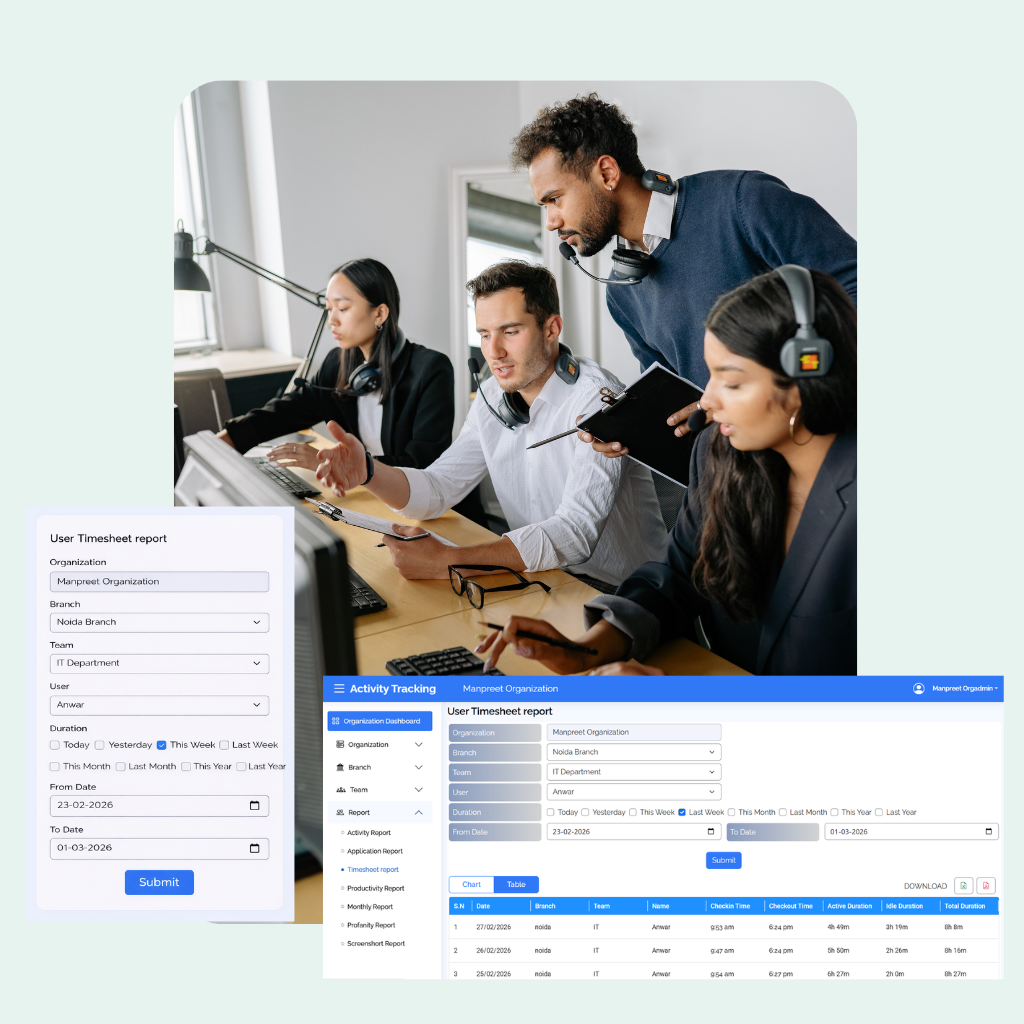
Timesheet Report
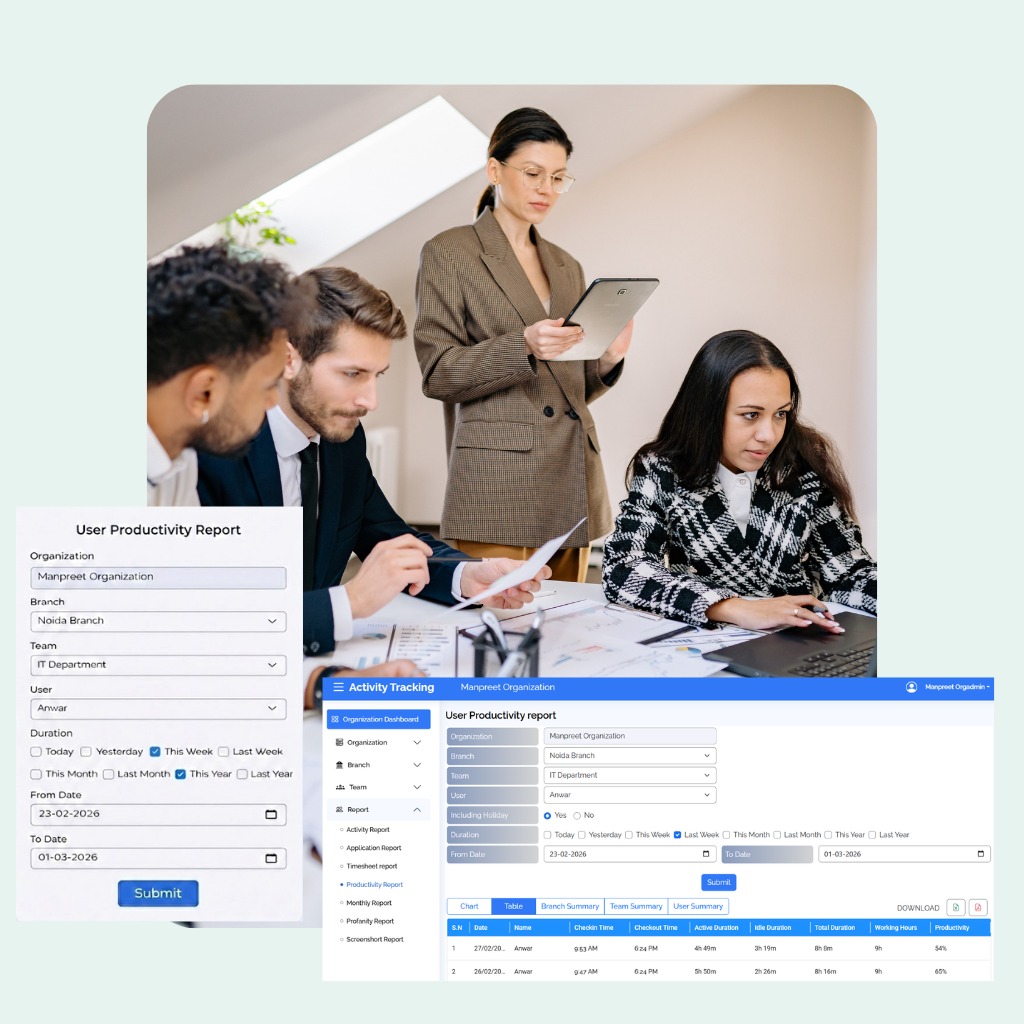
Productivity Report
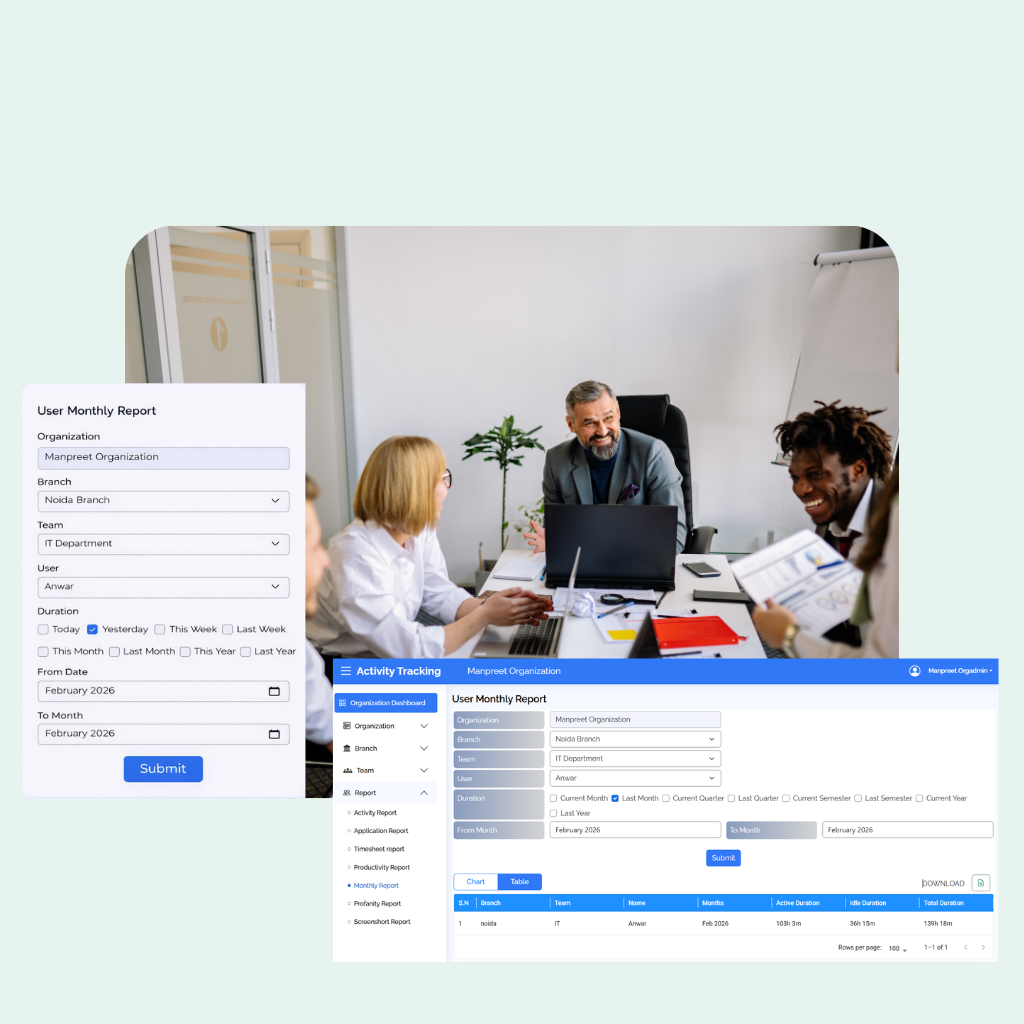
Monthly Report
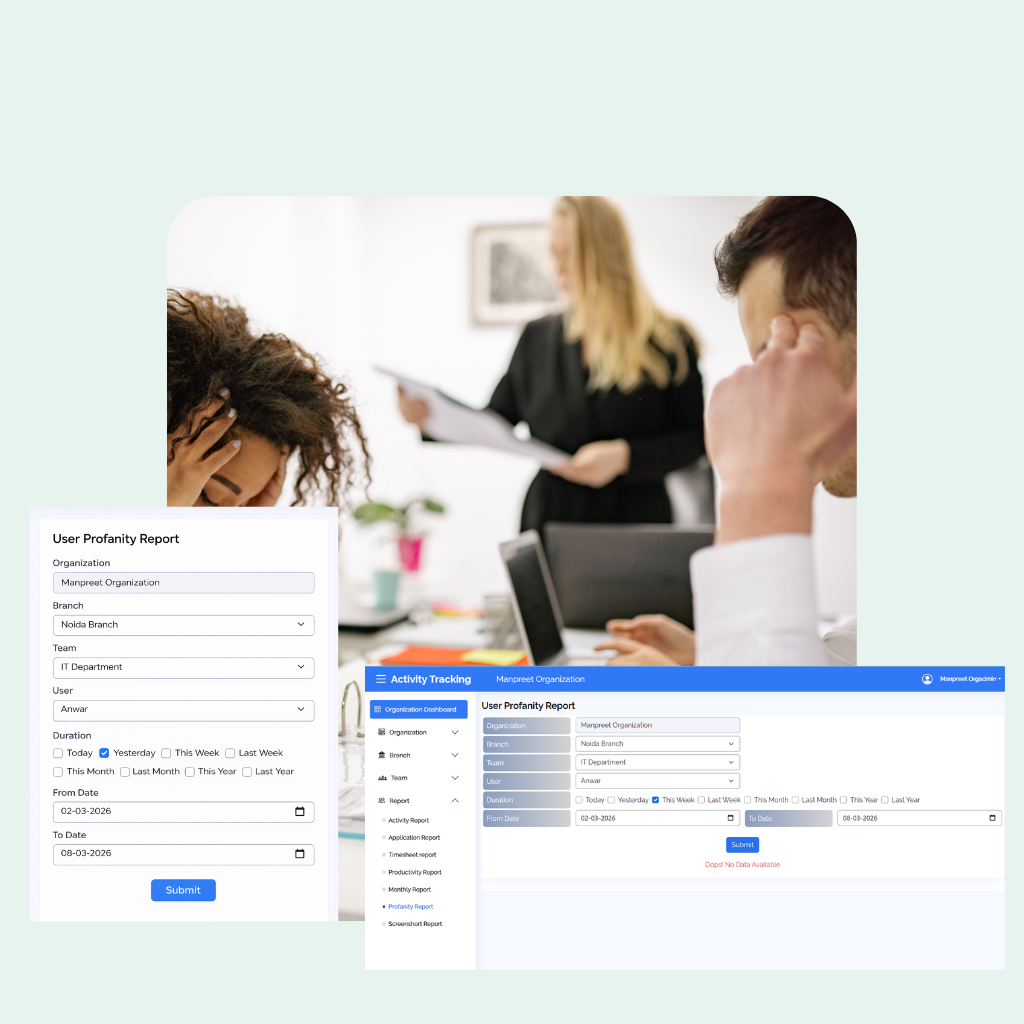
Profanity Report
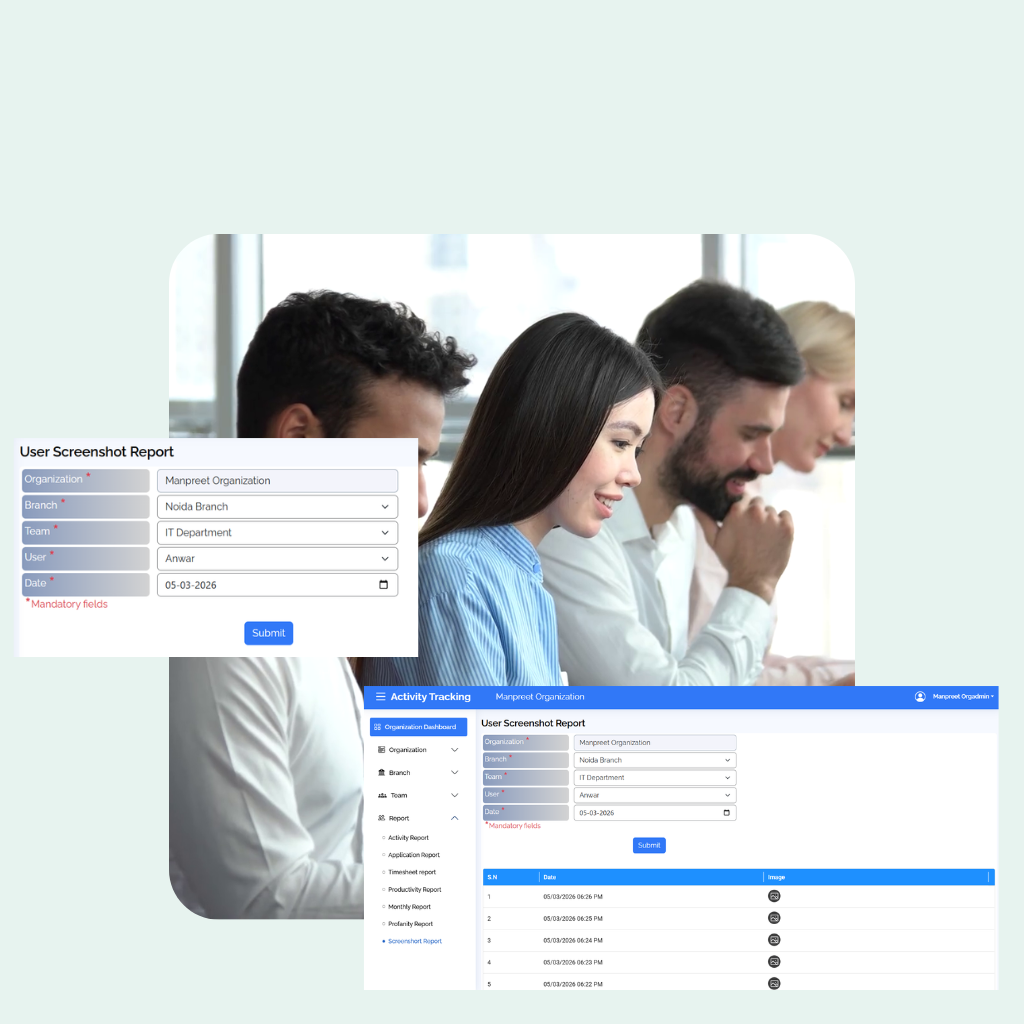
Screenshot Report
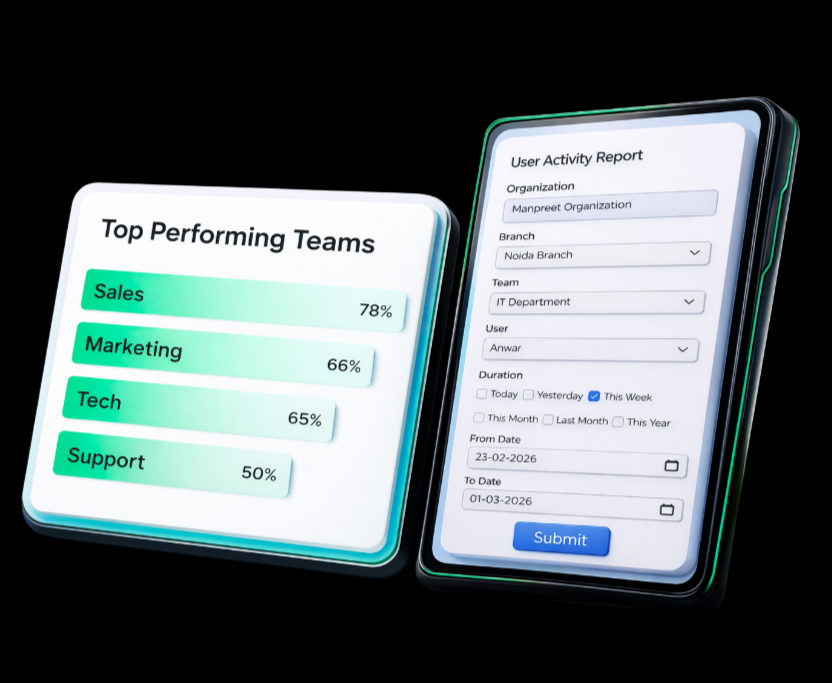
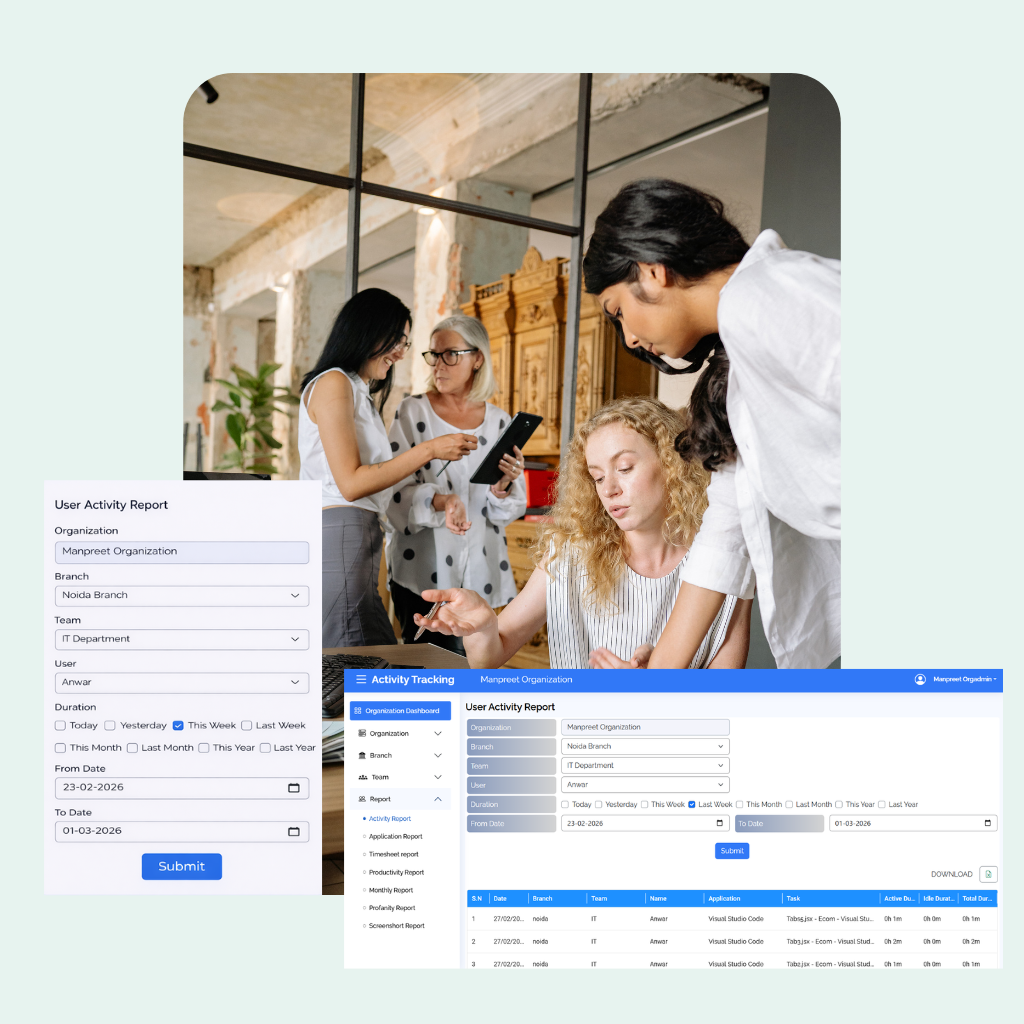
Comprehensive Activity Report for Better Control
Track, analyze, and review employee performance with detailed activity reports. Filter data by organization,
branch, user, and date to get accurate insights and improve operational efficiency.
Outcome: Improved productivity by tracking employee activity and optimizing work hours.
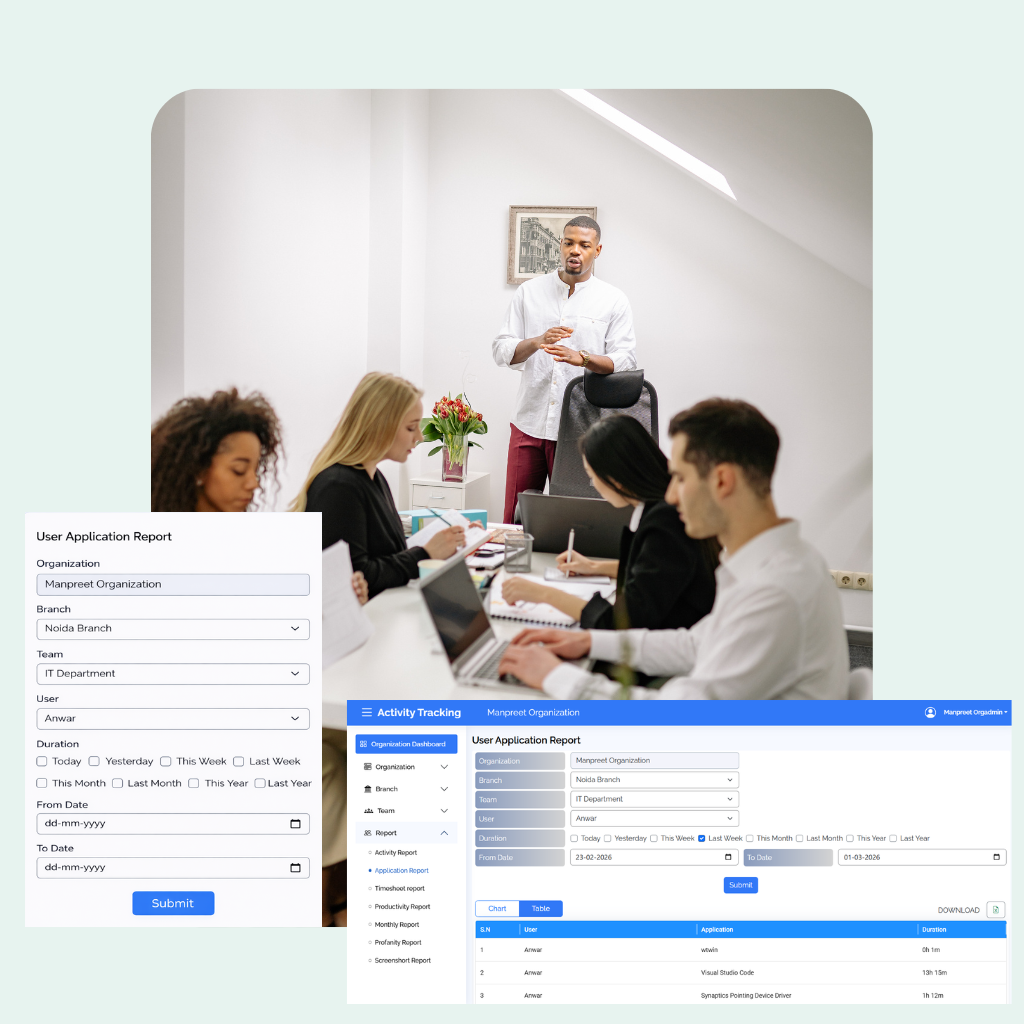
Detailed Application Report for Better Performance Monitoring
Gain complete visibility into how applications are used across your organization. Analyze user-wise app activity,
monitor usage patterns, and improve productivity with accurate reporting tools.
Outcome: Improved application performance, reduced system issues, and ensured smooth and efficient operations
Accurate Timesheet Report for Better Time Management
Screenshot Monitoring provides a complete visual timeline of work activities, helping you track progress,
ensure accountability, and maintain transparency.
Outcome: Helped track work hours accurately and identify productivity patterns.
Advanced Productivity Report for Performance Insights
Measure employee efficiency with detailed productivity analytics. Track active time, idle time, and overall
performance to understand work patterns and improve team output.
Outcome: Improved overall team efficiency by analyzing performance metrics.
Detailed Monthly Report for Performance Evaluation
Get a complete monthly summary of employee activities, productivity, and work patterns. Analyze trends, compare
performance, and make informed decisions with structured monthly insights.
Outcome: Provided a clear overview of monthly performance, supporting better planning and decision-making.
Accurate Profanity Report for Professional Communication
Monitored language usage across the workplace, identified inappropriate communication trends, and helped maintain
a professional and respectful work environment.
Outcome: Maintained a professional and respectful workplace environment.
Visual Screenshot Report for Better Work Transparency
Capture and review work screenshots to monitor activity, ensure task progress, and improve transparency,
accountability, and productivity.”
Outcome: Enhanced transparency and accountability through visual work tracking.
Why Desk Tracker is the Go-To Choice for BUSINESS LEADERS
All-in-one platform for employee monitoring, productivity tracking, and workforce management.
We are Beyond Just Monitoring
Desk Tracker gives your business powerful tools to improve transparency, accountability, and productivity across
remote and hybrid teams — helping you boost engagement and performance without juggling multiple platforms.
1
All-in-One Productivity & Compliance Solution
From productivity tracking to compliance security, Desk Tracker covers it all—built for small businesses and enterprises
to scale and cut costs, all without switching apps.
2
AI-Based Data & Desk Security
Real-time AI detection to protect sensitive data, support clean desk practices, and maintain compliance across your
remote and hybrid teams.
3
Quick & Easy Setup
Get started with Desk Tracker in minutes with quick, easy deployment that delivers instant results without disrupting
your daily business operations.
4
Works on All Major OS
Compatible with all major operating systems — Windows, macOS, Chromebook, and Linux — for smooth installation and
seamless performance.
5
Custom Fit for Your Team
Highly customizable solutions that adapt to your workflows and culture, with seamless integration across your
project management, HRMS, and collaboration tools.
6
Profit Optimization
Run a more profitable business by reducing infrastructure costs and creating a secure, location-independent
workplace powered by AI in minutes.
One Solution for Every Businesses
IT
Get real-time insights into employee productivity, campaign performance,
and financial trends to make smarter decisions, optimize resources, and
boost overall growth and revenue efficiently.
BPO
Streamline your employee management, maintain strict compliance, and
achieve a 99% onboarding accuracy rate with AI-driven insights and zero
manual errors.
Freelancers
Manage your projects efficiently with us. Collaborate easily using tools
like task management, timesheets, and more.
Frequently Asked Questions
Below are some common questions from our customers that may very well give you the answer you are looking for.
Desk Tracker can be used by managers, HR teams, project leads, business owners, and remote employees to track time and
productivity. It is most beneficial for IT companies, BPOs, agencies, SMBs, and organizations with remote or hybrid
workforces.
Desk Tracker helps you maintain and scale productivity by giving clear visibility, accountability, and data-driven
insights—without micromanaging.
Desk Tracker ensures data security and privacy through secure data encryption, role-based access controls, compliance-ready
practices, and transparent tracking settings—so company and employee data stays protected at all times.
Desk Tracker respects employee privacy with transparent monitoring, configurable tracking settings, role-based access, and
secure data handling—ensuring visibility without invading personal space.
Your data is securely stored on protected cloud servers with industry-standard encryption and strict access controls to ensure
safety, reliability, and compliance.
Desk Tracker works on modern Windows and macOS systems with an updated browser and a stable internet connection. No special
hardware is required.
A productivity tracker monitors work activity, app usage, and tasks to provide insights for efficiency, accountability,
and better decision-making.
Employee productivity analysis uses metrics like active work time, app and website usage, task completion, breaks, attendance,
and output quality to measure efficiency and performance.